Skill: use a web browser to review tax messages on a government portal
As a tax-resident in France, I get 30-50 emails a year that look like this:
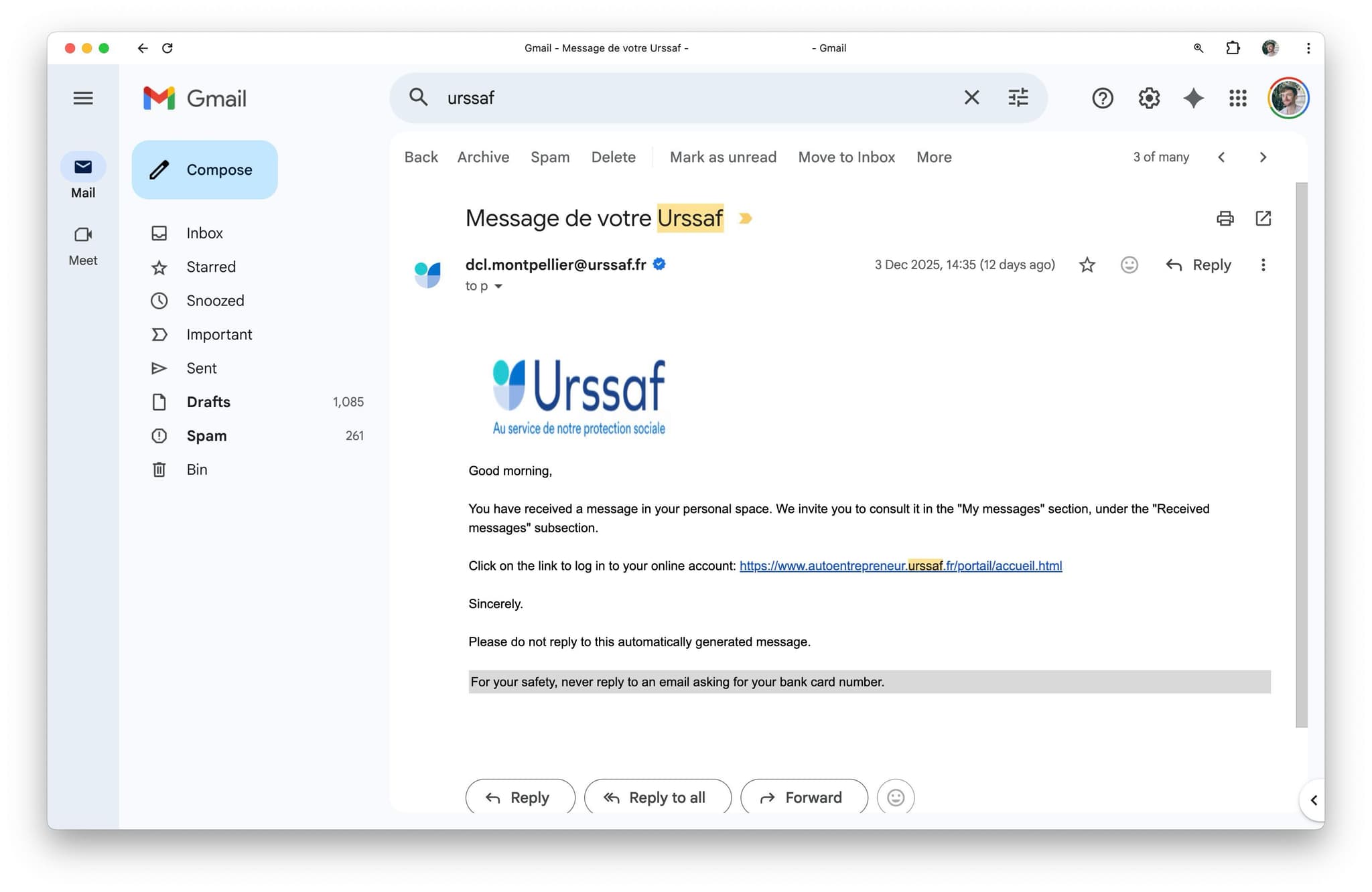
Whenever you pay or contact URSSAF, they send you this email to confirm receipt... a few days later. They then send an identical email when they've actually replied. Or when anything else happens.
In >80% of cases, no action is required. But to determine that, I have to log into the portal, wait for it to load (~5 seconds), click several buttons, download the PDF, and finally open the PDF to actually read the message.
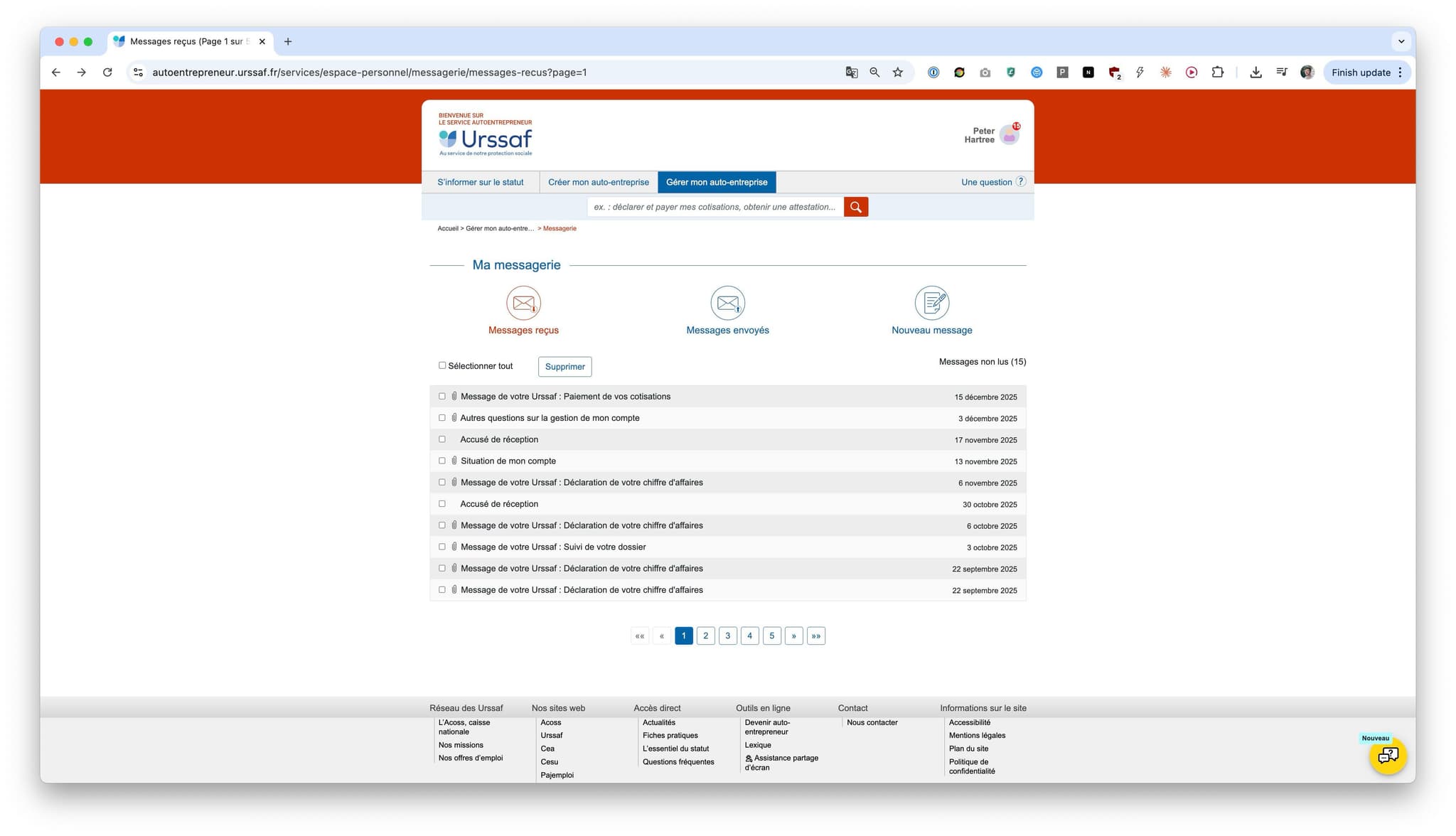
Could Claude do all this for me?
In short: yes. With less than 30 minutes’ work, I created a skill that reliably checks the inbox and gives me an output like this:
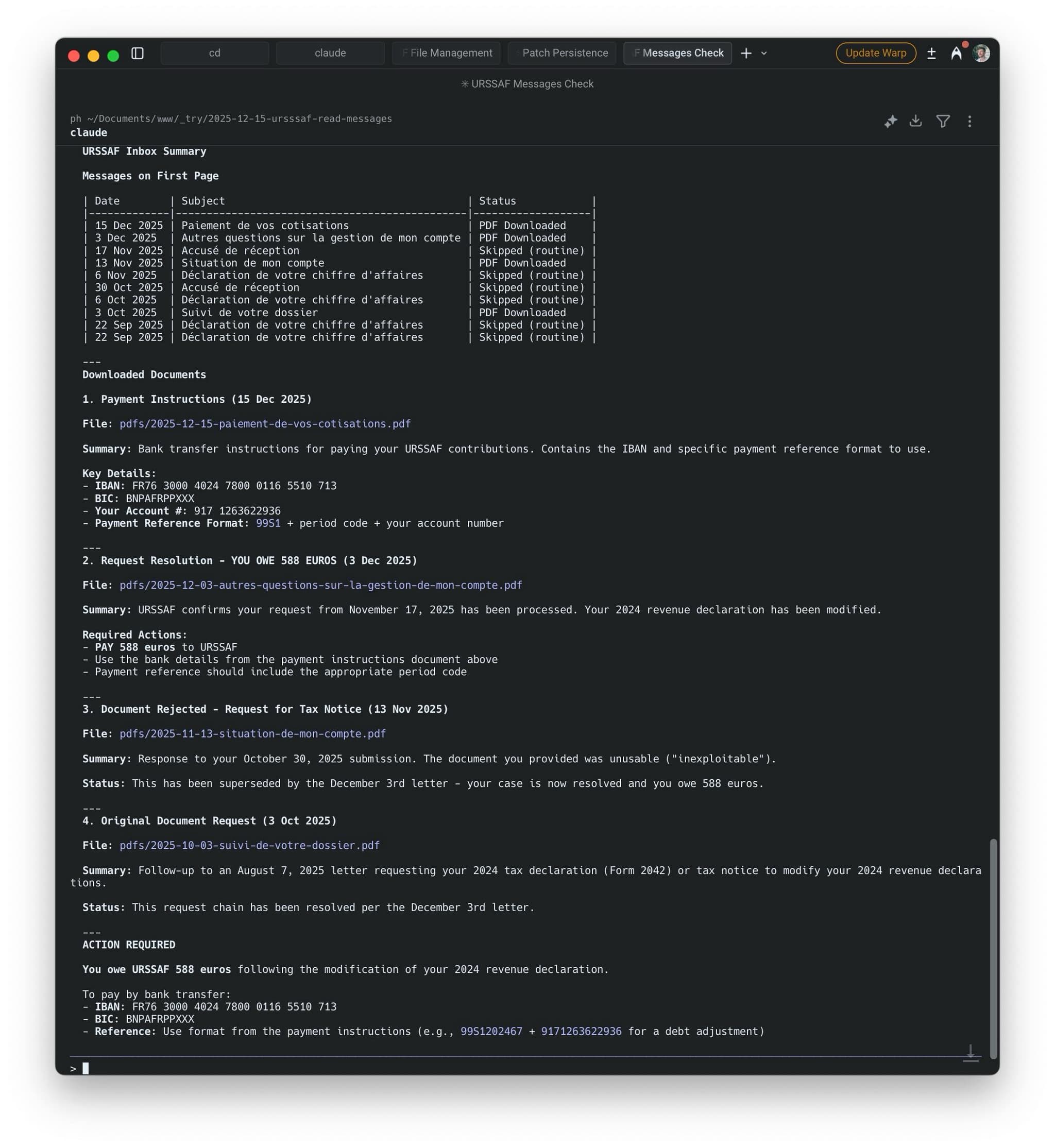
All I have to do is say “hey Claude, check my URSSAF messages”.
Watch Claude complete the task:1
Here’s how I made it:2
Pre-requisites: Claude Code with the Browserbase Automation Skill. Coding knowledge not required.
Update 2026-01-16: Claude Code now has browser use built-in. So you don’t need Browserbase, you can just run claude --chrome.
Footnotes
For the first few runs, I keep computer use tasks running on one of my LLM screens. But once I trust them, I just hide them and wait for Claude to let me know when it’s done. ↩