How to schedule web browser tasks in the cloud

ChatGPT can schedule browser tasks in the cloud. But the implementation is half-baked right now. If your requirements are more complex than just “check this website and ping me if X” you’ll probably hit a blocker.1
Claude Cloud does not have browser use at all.
Browser Use, however, is fantastic.
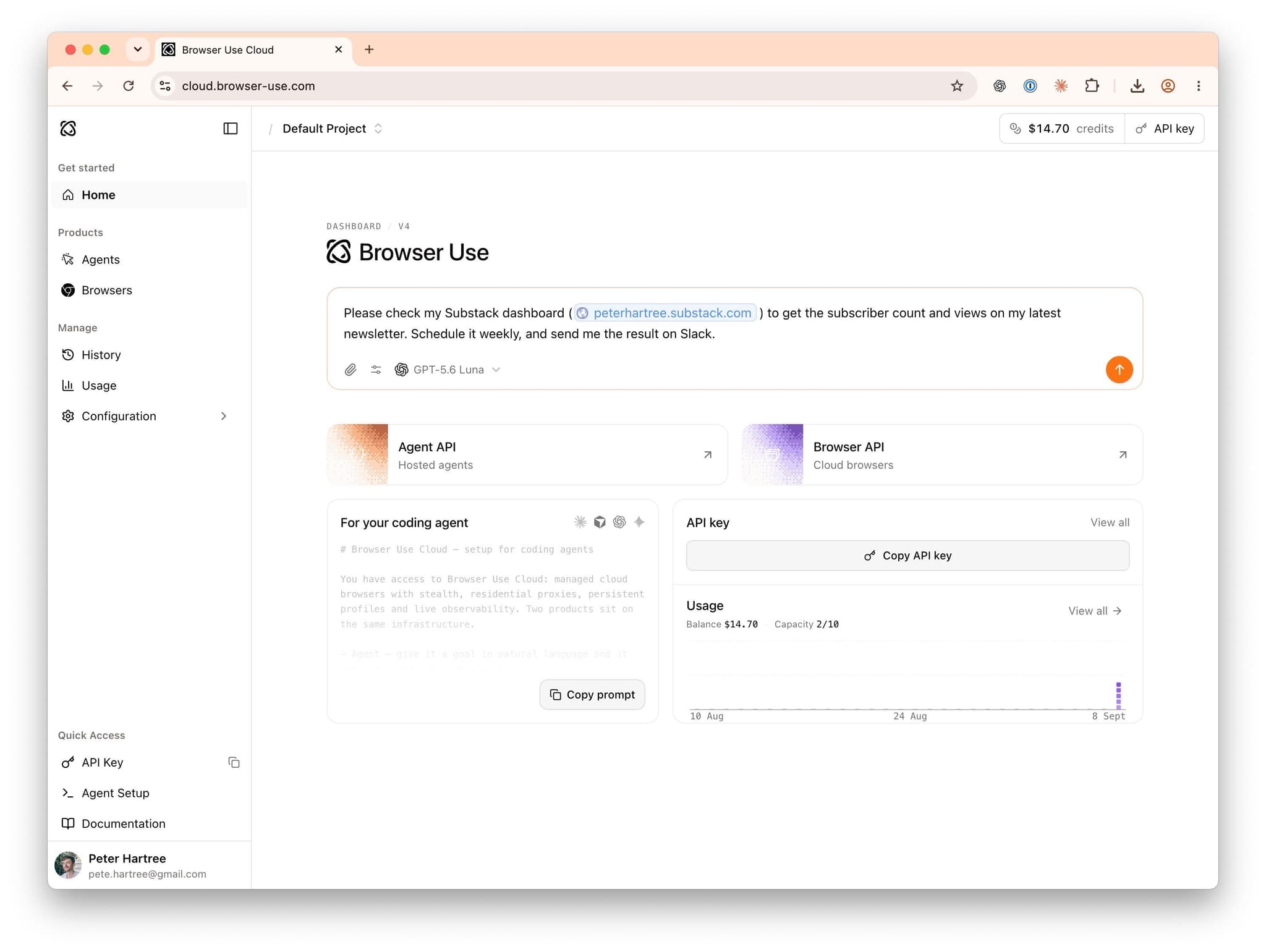
Example: on the start page, I prompted:
Please check my Substack dashboard (peterhartree.substack.com) to get the subscriber count and views on my latest newsletter. Schedule it weekly, and send me the result on Slack.
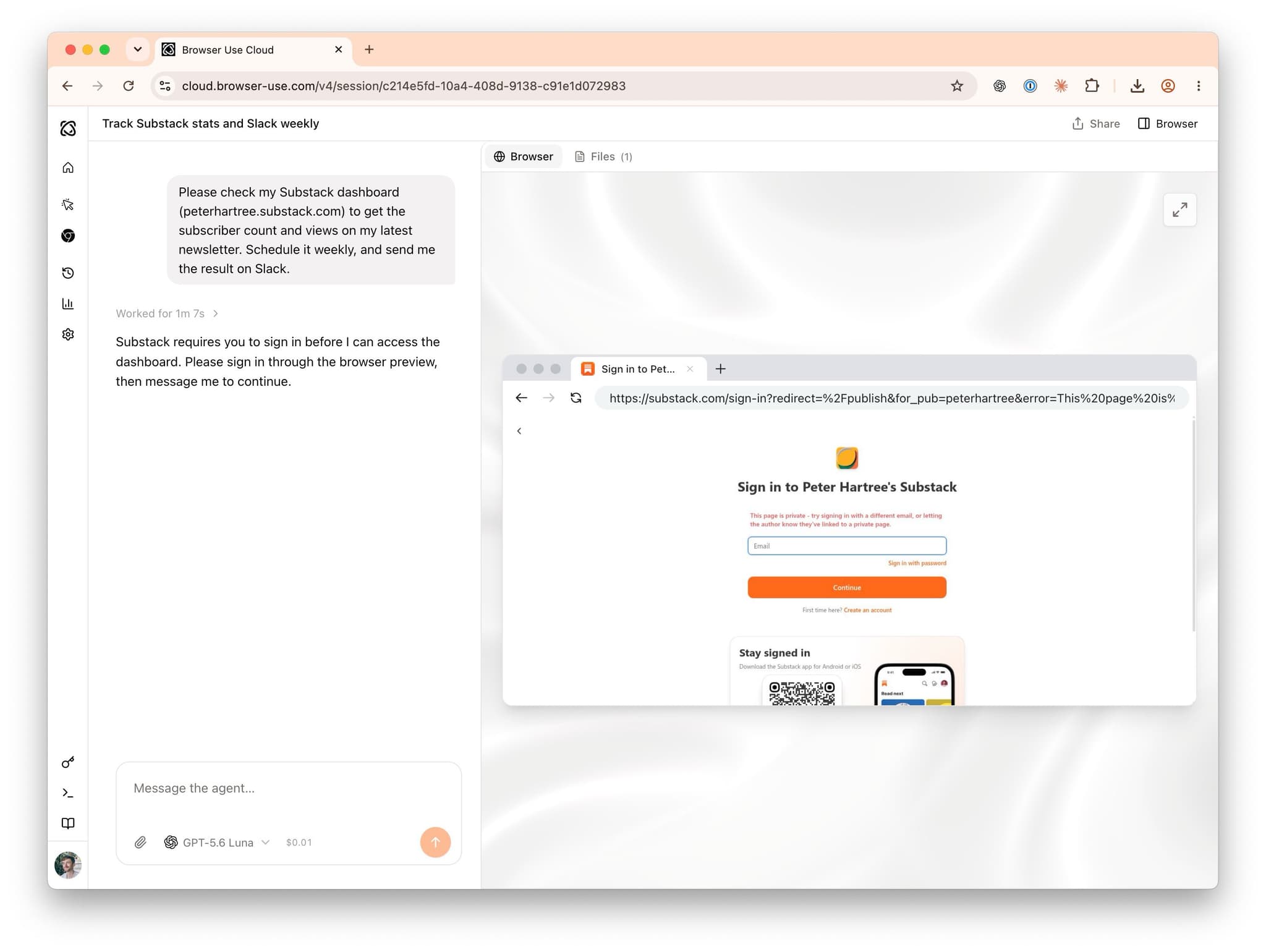
This is the first run, so it asks me to log in to Substack. The authenticated session persists on future runs.
We’ve not connected Slack before, so I do that when prompted (a couple of clicks).
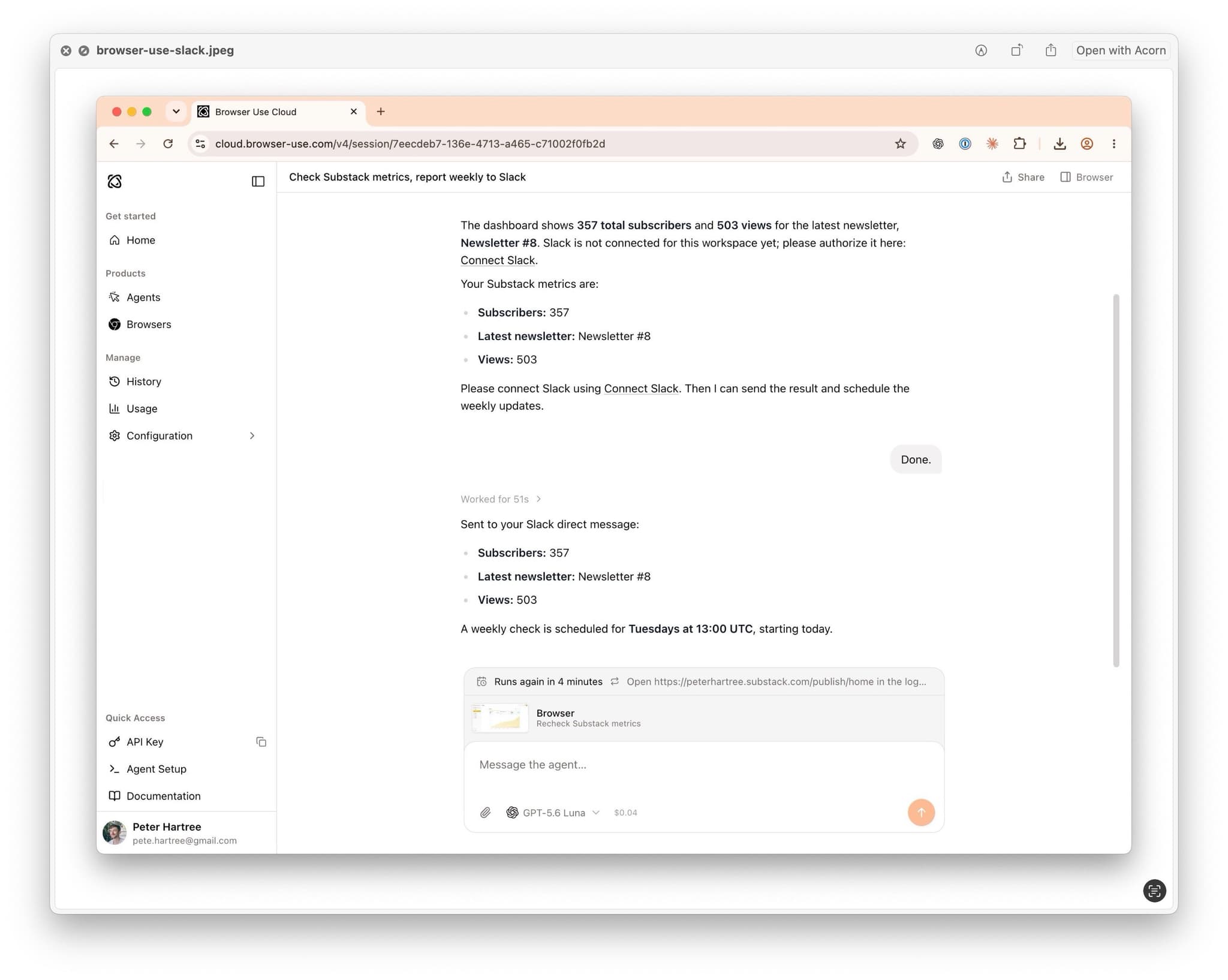
Beautiful!
Let’s take this further:
Please could we also have this download the subscriber data CSV, and then send me the names of the new subscribers that were added since last time?
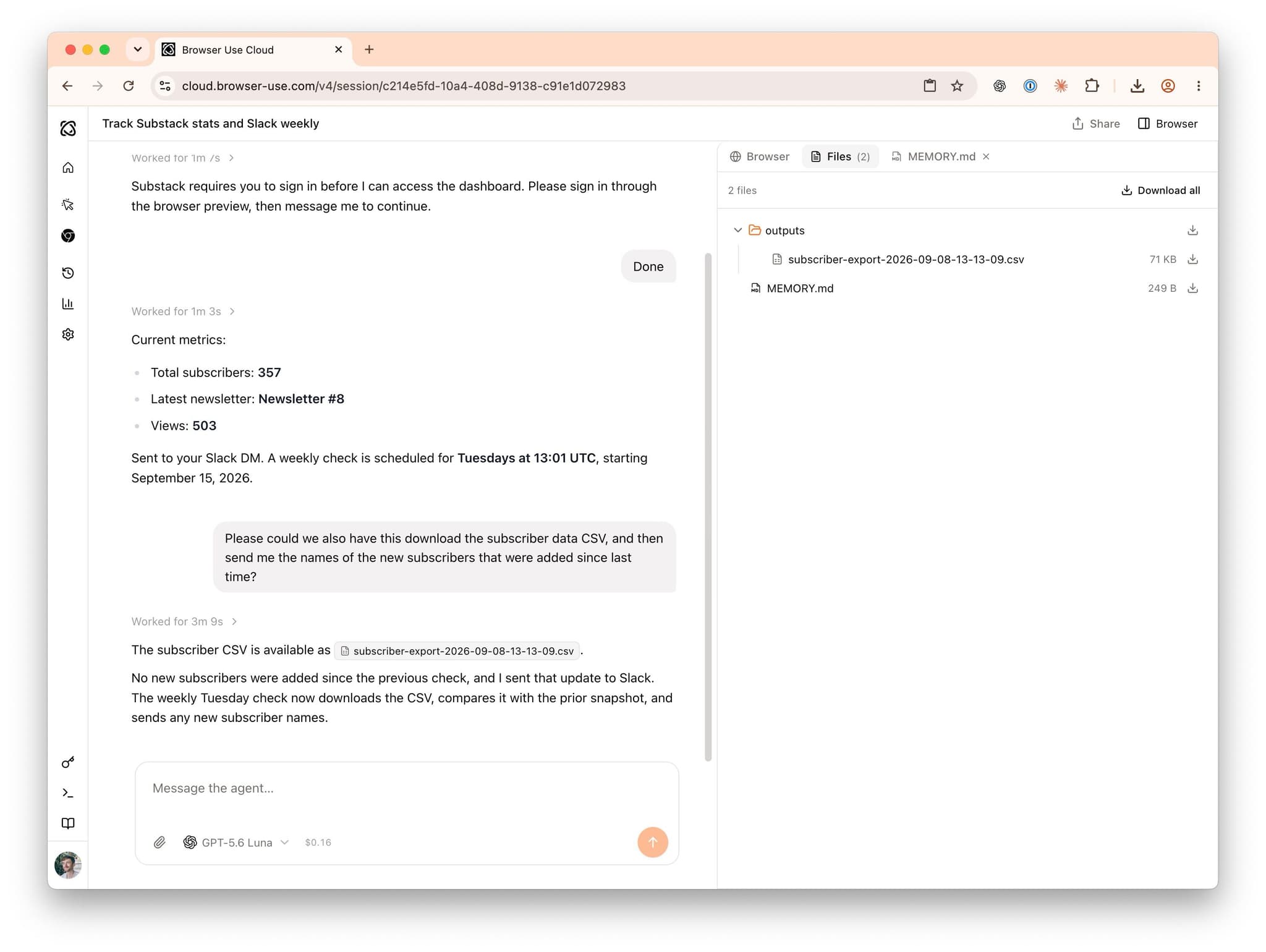
Success, one-shot.
There’s a nice 1Password integration. You share credentials via a vault, and then Browser Use can sign in automatically if a session expires (including TOTP 2FA).
If you don’t use 1Password, they don’t have a good alternative for storing credentials. They also can’t handle sign in via magic link, SMS or passkey.
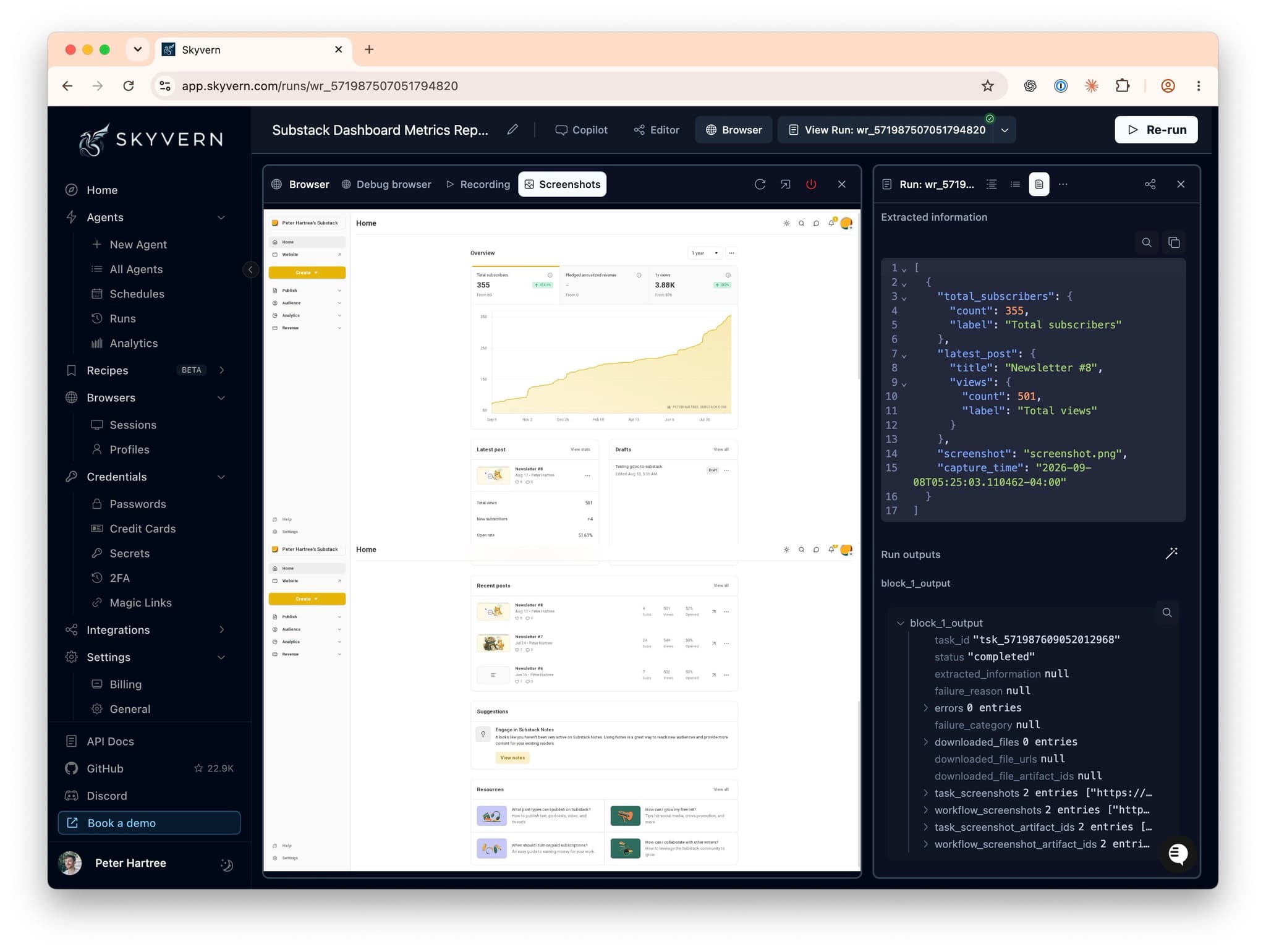
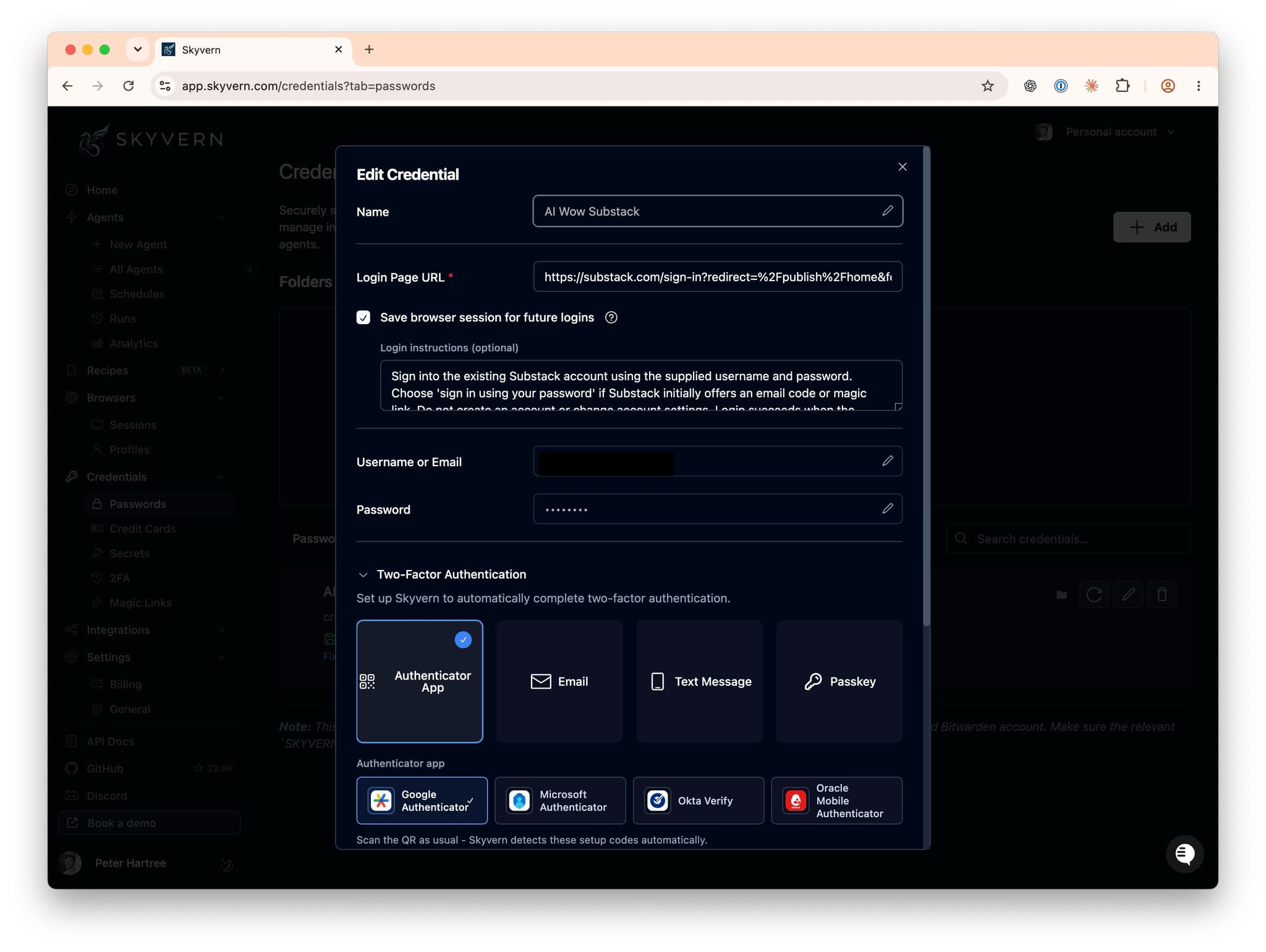
If you hit a blocker with Browser Use, try Skyvern. Skyvern is similar, but supports more authentication methods, and has a UI that’s built for power users:
Footnotes
For example, the ChatGPT cloud browser is not good at getting past bot-detection, and is totally blocked by sites including Amazon and Substack. ↩