Browser use is very good now
Since April, Claude in Chrome has become even faster and even more reliable. I now use it routinely for admin tasks, such as:
- Create invoice on Indy.fr
- Submit timesheet via Deel
- Search flights on Skyscanner
- Add a hold bag to existing flight booking
- Find best product on Amazon (with delivery tomorrow)
- Submit monthly income declarations to tax authorities
- Request a product replacement
- Add friends to my car insurance
Claude reliably asks before taking important, irreversible actions (e.g. actually submitting a form). I’ve never seen it fail to do this. So I don’t watch Claude work—it runs in the background while I do other things.
It usually completes tasks in 1.5–3x the clock time it’d take me. With some extra setup, it can do some tasks at superhuman speed (see below).
Some issues that still cause friction:
It can’t upload files.1
It often refuses to login to websites on your behalf. So before you delegate a task, you need to make sure your Chrome profile is logged in to the relevant websites.
It refuses to enter payment information or interact with banking websites. Probably for the best.
When Anthropic’s GPUs are melting, things get very slow.
How to handle authentication
Run Claude in your regular Chrome profile, so if you’re logged into a website, it does not need to log in again. This is a bit YOLO, but I trust it. You must grant Claude browsing permission on a per-domain basis, which is a nice guardrail here.2
Speed up recurring tasks
For recurring tasks, you may be able to speed things up a lot by telling Claude:
After you finish this task, we should create a skill to speed things up next time. While you work, please:
a. Take notes on your process.
b. Look for opportunities to speed things up by scripting your website interactions (e.g. injecting a script that fires clicks on multiple elements in sequence, with a single command from you).
For some tasks (e.g. reconciling 50 transactions in Xero), scripting interactions can make Claude’s task completion much faster than human.
Coming soon: It’s time I re-tested the “computer use” tools in Claude and Codex. I hear the Codex version is approaching human speed.
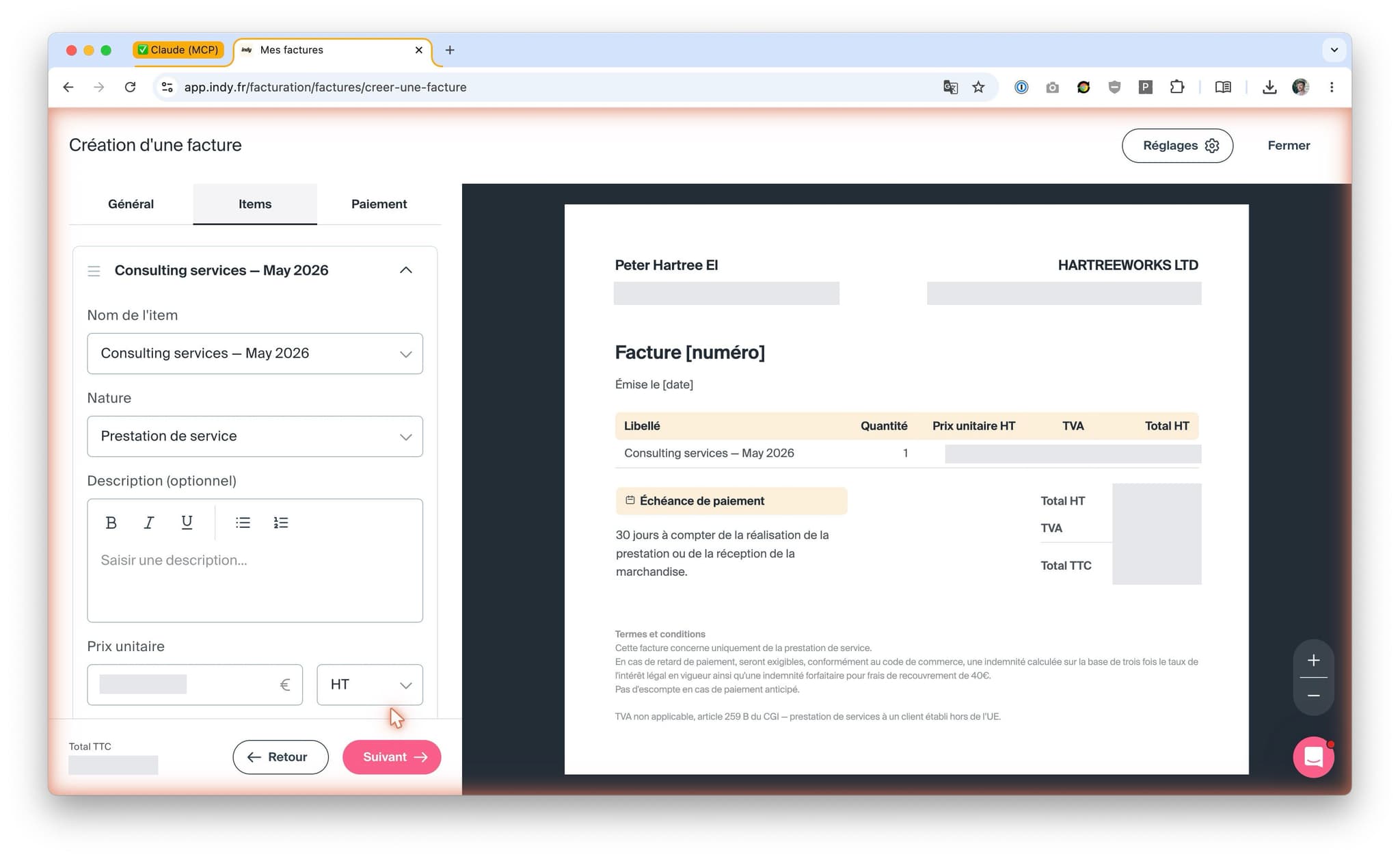
Claude creates an invoice
Footnotes
This is due to limits on what browser extensions can do, not Claude’s capabilities. It’ll only be solved with full computer use. ↩
If you want to tighten things: use a dedicated Chrome profile with the 1Password CLI. The implementation is nice: you get a “touch to approve” prompt every time the agent requests access to a secret. But, since a recent update, Claude often refuses to login to websites even when asked. ↩