How to keep agents running when your MacBook is in your bag
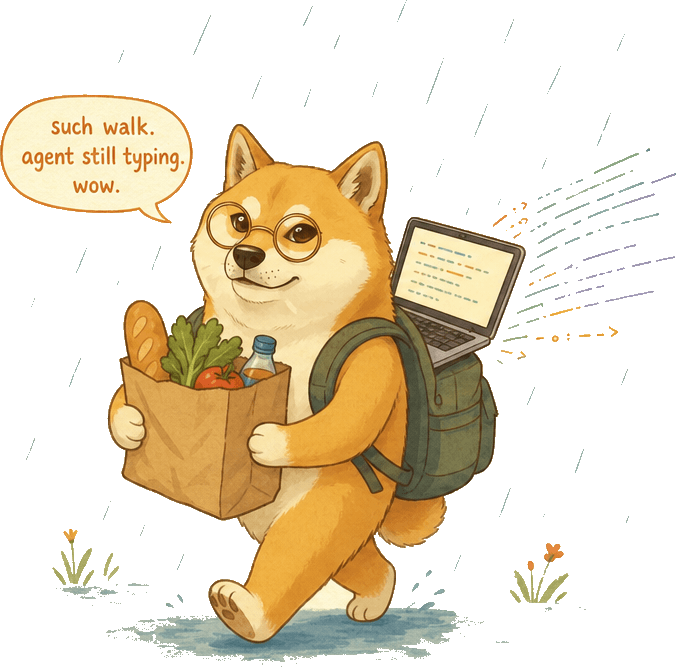
Normally, if you close your MacBook and disconnect the power, it goes to sleep, and your agents stop working.
The “don’t sleep” script fixes this. If your agents are working, your Mac will stay awake until they finish, or your battery goes below 50%, or your machine gets too hot.1
So now I can walk to the café, with my phone hotspot active, and my agents still hard at work.
Of course, the better solution is to host long-running agents in the cloud, or at least your Mac Mini. I do this for some stuff, but it’s not my default for most work. With Fable and Sol, which run autonomously for longer, this needs to change.
The era of doing a bunch of work in local markdown files looks set to end soon.2 Unless, that is, Apple ships something like “don’t sleep” in the next version of macOS...3
Footnotes
It’s harder for a MacBook to shed heat in your bag. I’ve added a conservative safety threshold, to complement the native heat management system. ↩
Pieter Levels does all his work in VMs—one per project. Given that AIs can manage your VMs, this strikes me as not at all crazy. ↩
Thanks to JP Addison for the “don’t sleep” script idea, and its original implementation. ↩