How to connect Notion to Claude
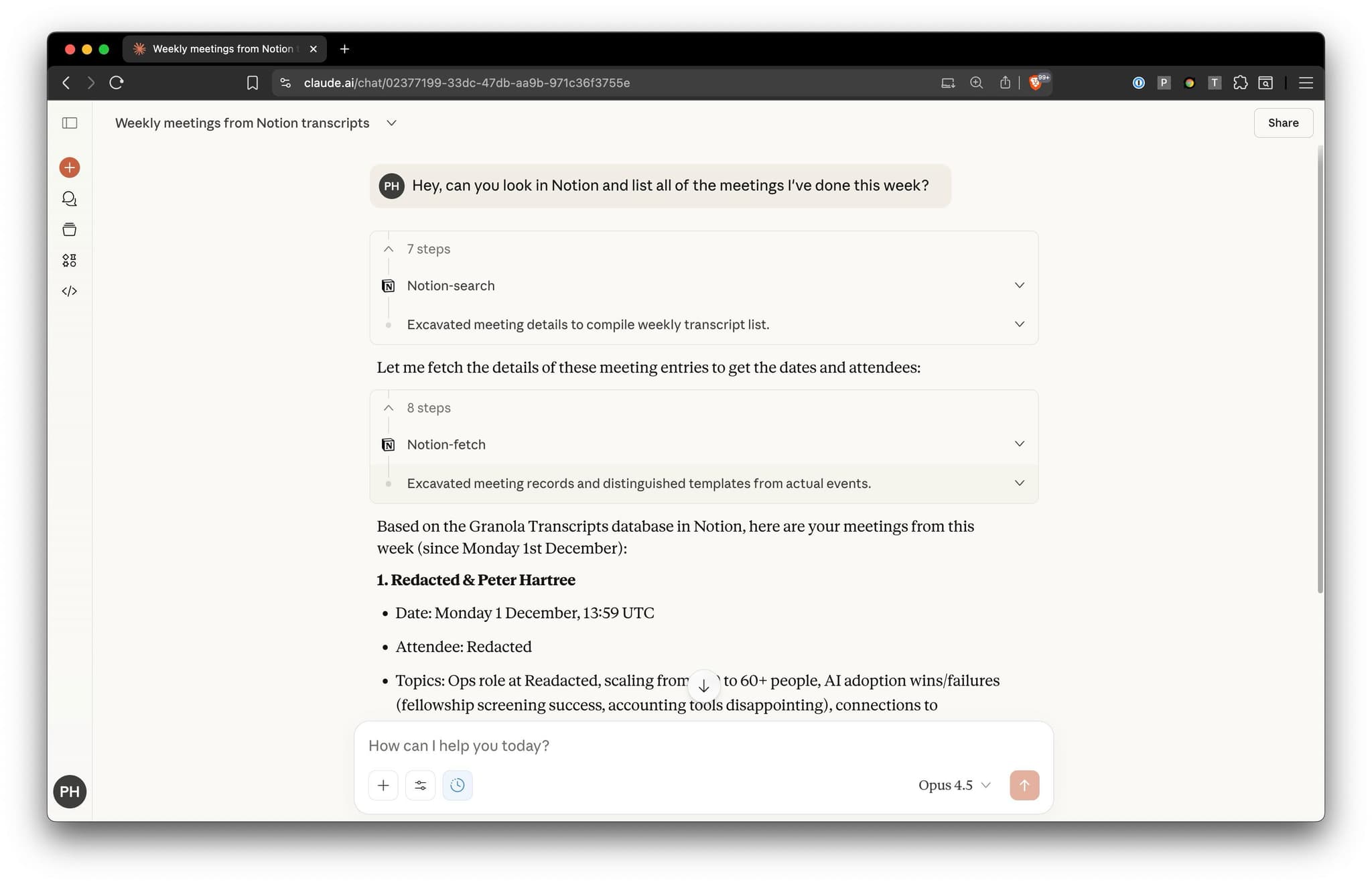
Claude can search for information from Notion, create or edit pages, add or retrieve comments, and much else.
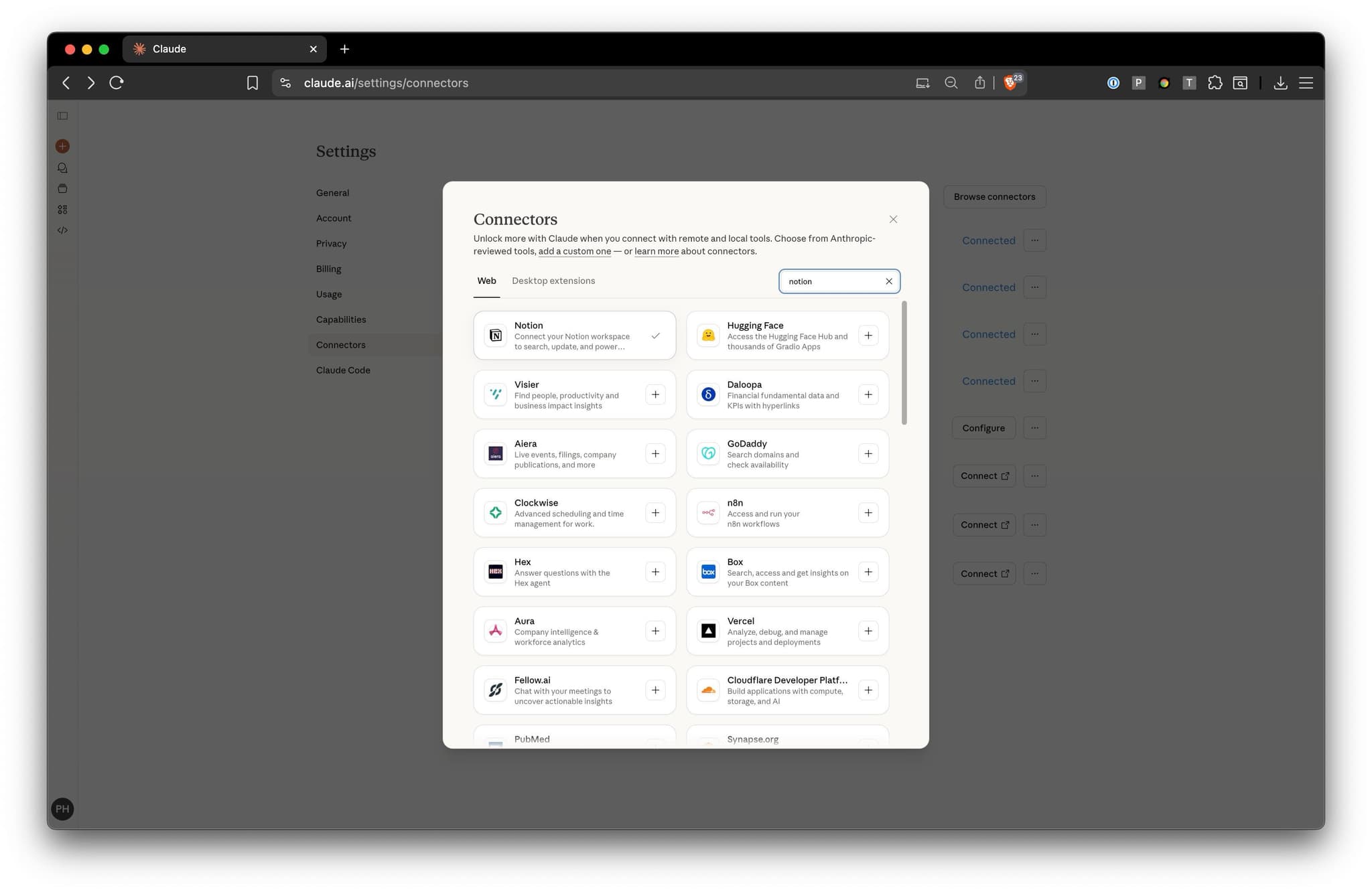
To enable that: open your Claude Connector settings, then click “Browse connectors > Notion > Connect”.
The connector works well, but it’s often slow, because it has to do a bunch of searching to find the relevant documents every time. Just like with Asana, you can speed things up (a lot) by adding information about how to navigate your Notion (e.g. links to key pages; the names of databases you often use) to your system instructions (currently called “personal preferences” in the web app).
If you run into a slow query, just say something like:
Hey Claude, I’m finding that the Notion connector is rather slow. Please help me write some instructions for the “personal preferences” settings dialog to speed things up. They should contain key information such as the URLs or IDs of the most important pages and folders and databases in my Notion account, so that you don’t have to keep searching for them. Give me the instructions in a markdown block so I can easily copy-paste.
You should end up with something like this: